Your AI Agent Is Coding Blind
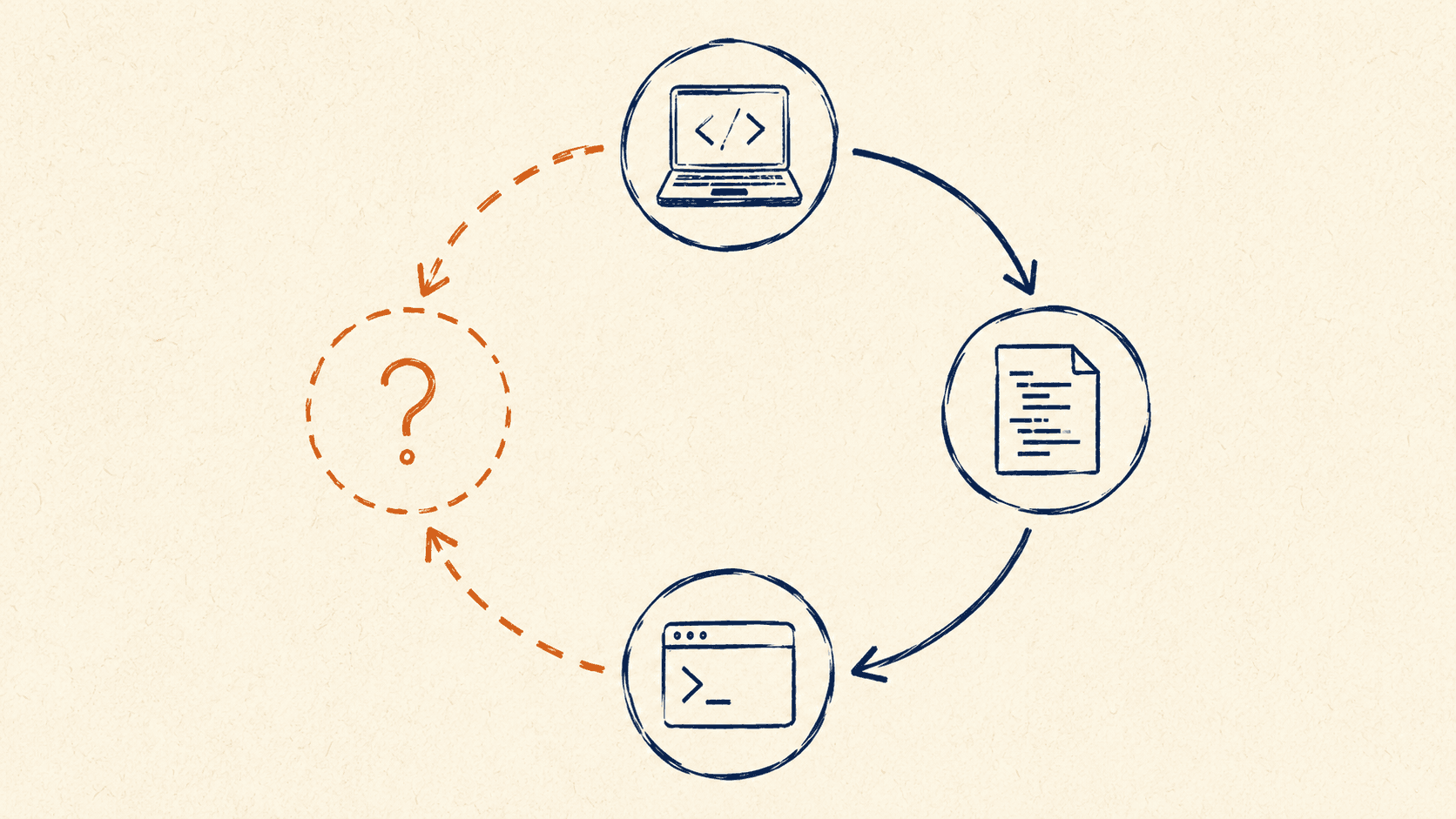
No matter how perfectly I craft a prompt, the agent still misses the target. Not occasionally — frequently. It builds the feature, declares it done, the tests come back green. Then I open the page and a button is sitting halfway behind a modal, or a chart is overflowing its container, or the form submits but the success state never renders.
This isn't a model problem. Modern agents reason about UI surprisingly well — when they can see it. The problem is that during development they almost never can.
The loop works. The eyes don't.
An AI agent is exceptional at one specific thing: iterating against a signal. Give it a failing test and a stack trace and it will fix the code, re-run, read the new failure, and converge. That convergence is the whole reason agentic coding works at all. The loop is the magic.
But the loop only converges when there's something concrete to converge toward. In backend work the signal is usually right there — a failing assertion, a 500, a type error from the compiler. The agent runs the command, reads stdout, adjusts. Closed loop.
In frontend work the signal evaporates. The agent writes the component, the build passes, the unit test renders the component into JSDOM and asserts on the DOM tree. Everything is green. But "green" doesn't mean "looks right" — it means "didn't throw." Pixels, layout, interaction, responsiveness, focus order, the way a tooltip clips at the viewport edge — none of that is in the loop. The agent is steering toward a target it can't see.
I hit this most clearly last week, working with an agent on push notifications. It finished the implementation, said it was ready, and asked me to verify by hitting /api/auth/me. I did. 404. We went back and forth for a few minutes before the agent came clean:
/api/auth/mewas me guessing — that route doesn't exist in this app.
The agent had fabricated an endpoint and asked me to test against it. The verification was trivial: hit the URL, read the response, notice the route isn't registered. Read the route table. Grep the codebase. Any of those would have taken seconds. Instead it guessed, and the cost of not verifying landed on me as a few minutes of confused debugging. My initial requirements were lacking — fine, that's on me — but a closed loop would have caught it before the guess ever left the agent's mouth. The loop just wasn't there.
Give the agent a way to see
Once you frame the problem as "the agent needs a feedback signal it currently lacks," the fixes start to look obvious. They're not exotic — they're the same things a human dev does, just promoted to first-class citizens in the agent's workflow.
Tests written with the agent in mind, not for human reassurance. The agent will respect whatever contract you give it. If your tests only assert "renders without crashing," that's the only thing the agent will optimize for. Write the assertion you actually care about — that this button is visible after this click, that this list contains these items in this order, that this disabled state actually disables — and the agent will hit it.
End-to-end runs in a headless browser. Playwright and similar tools let the agent boot a real browser, click through the flow, and read back errors and network calls. The latency is higher than a unit test, but the signal is dramatically better. The agent stops shipping flows that don't actually work, because it has tried them.
Screenshot evaluation. page.screenshot() in Playwright, plus a vision-capable model reading the image back, closes most of the remaining gap. The agent renders the component, snaps a frame, asks itself "is the right chart overflowing?" and notices that it is. Two years ago this felt like science fiction. Now it's a five-line addition to a test script.
The review artifact
The technique I've leaned on hardest is the simplest: have the agent generate a review.html (or review.md, or whatever your stack calls for) at the end of each task. Not as a deliverable — as a working artifact for both the agent and me.
The review file mounts the new component with a handful of realistic prop combinations: empty state, loaded state, error state, long content, short content, the specific edge cases I care about. The agent then either screenshots it via a headless browser and reads back the image, or — when I'm in the loop — I open it in two seconds and skim every state at once.
The win is double. The agent gets a closed feedback loop on its own work: render, screenshot, evaluate, fix, repeat. And I get an E2E checkpoint that takes me ten seconds to scan instead of clicking through five real flows in the live app. The same principle generalises beyond UI. If my push-notification agent had even a one-line "curl the endpoint you're about to ask the user to test" step, the fake URL never reaches me. Same model, same prompt — the only thing that has to change is that the agent exercises its own output before it claims done.
The artifact doesn't need to be fancy. A single HTML file that imports the component and renders it in a few states is enough. The discipline isn't in the tooling, it's in deciding that "the agent reported done" and "I have evidence it works" are not the same thing, and then building the second one into the loop.
If you're working with agents and bumping into this — agents that finish tasks that don't actually work, or thrash on frontend problems that feel like they should be easy — message me. Always happy to compare notes on what's actually working in production.
Ready to learn more?
Discover how our commission modelling and software can help you scale.
Book a Discovery Call